Smileworthy: SuperDuper!

Philip Blog, Smileworthy

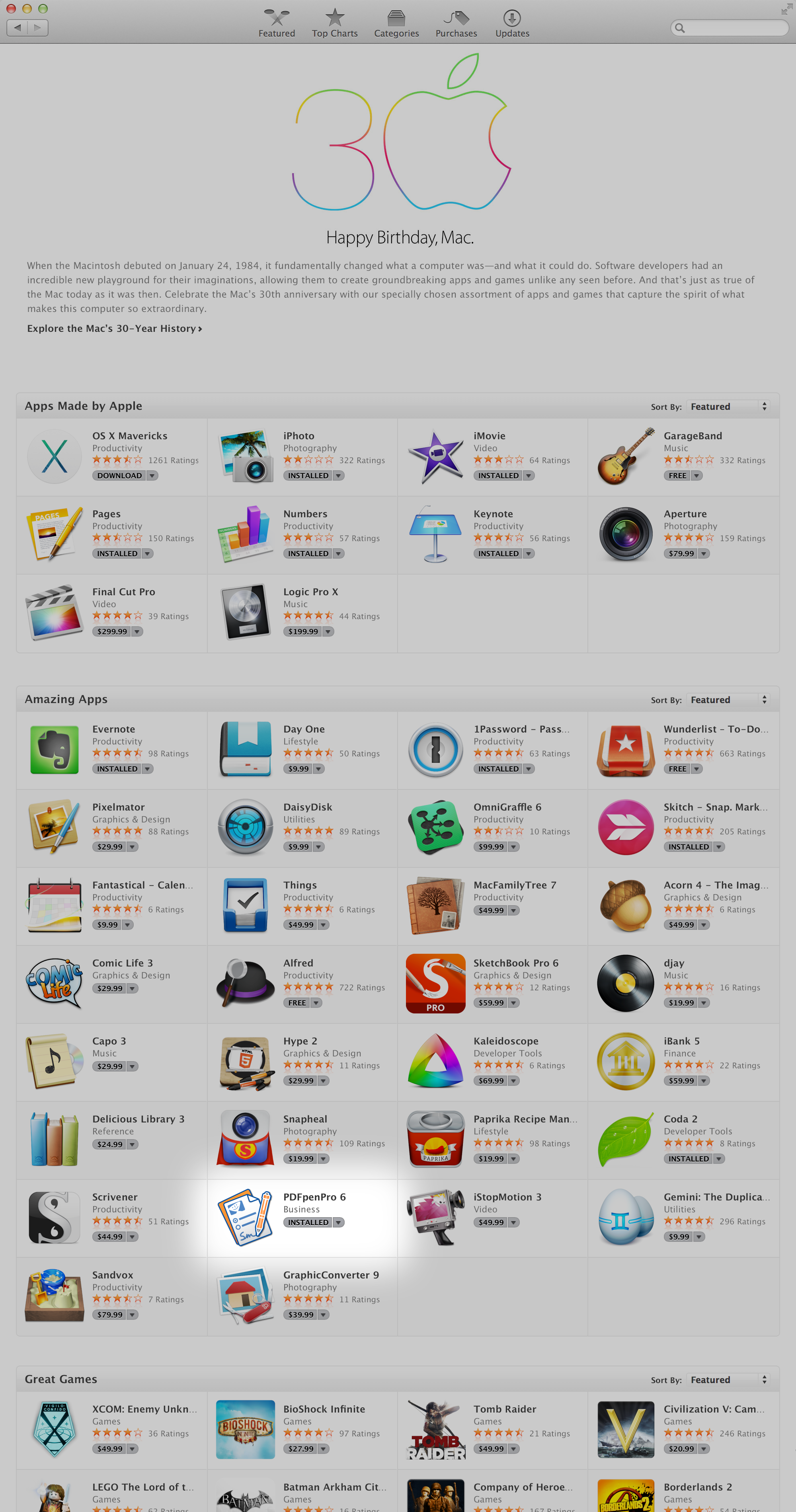
Given yesterday's release of OS X 10.9.2, this is a good time to tip our hat to SuperDuper! from Shirt Pocket.

SuperDuper! reliably creates bootable backups and offers thorough scripting and automation options.

Before I upgrade to a new version of OS X, I clone my startup disk using SuperDuper!

Yesterday, I cloned from one partition to another on an internal SSD, and it only took 36 minutes for 210 GB.

SuperDuper! is fast, reliable, and great at what it does.

If you need software to duplicate your startup disk for backup or for OS X upgrades, we strongly recommend SuperDuper!

SuperDuper! Icon

SuperDuper! is Smileworthy and is available for US $27.95.


SmileWorthy: CloudPull

Philip Blog, Smileworthy

We like to use Google Documents for online, real-time collaboration. We use it to take notes when we have meetings. We use it to edit product bullets. We use it to create spreadsheets when doing product planning. Generally, we're thrilled with Google Documents, but we use it for enough important stuff that we worry about our data.

Enter CloudPull from Golden Hill Software. CloudPull provides local, hourly backups of our Google Documents. I back up my local machine to both a Time Capsule and via CrashPlan, and with CloudPull all of our Google Documents are included in those backups as well. CloudPull is a great, straightforward solution to keeping local backups of Google Documents. It also includes support for backing up everything on your Google Drive, Gmail, and Google Contacts.

CloudPull is a wonderful piece of software, and it offers a great deal of peace of mind for its reasonable $24.99 price tag.

CloudPull is truly Smileworthy.


Using TextExpander to Get Your Location

Philip Blog, TextExpander, TextExpander Tips

We've received several requests lately to add a macro for location in GPS coordinates to TextExpander. We're not sure we want to do that, as it could reuslt in a request to access your location data appearing in an unexpected context, perhaps as a result of an unintended snippet expansion (read: typo).

We're not able to build every requested feature into TextExpander, but there's quite a lot you can do given TextExpander's support for AppleScript. Here's an example of how you can add this feature to TextExpander:

1. Download Location Helper for AppleScript from the App Store
2. Launch Location Helper once so that you're prompted to allow it to access your location
3. Create a new TextExpander snippet
4. Set the Content: popup, above the snippet editor, to: AppleScript
5. Set the content of the snippet to:

tell application "Location Helper"
	set listCoords to get location coordinates
	return (item 1 of listCoords as text) & ", " & (item 2 of listCoords) as text
end tell

6. Set the abbreviation
7. Switch to TextEdit and type your abbreviation

Voilà!

Have a favorite AppleScript snippet? Let us know.


Important Changes in TextExpander touch for iOS

Philip Blog, TextExpander

TextExpander touch 2.3 has been released. This update changes the way that snippets are shared between TextExpander touch and third-party apps with TextExpander support. Here is the email we sent to users explaining the change and its impact:

Dear TextExpander touch User:

After recent discussions with the App Review Team from Apple, they informed us that TextExpander's use of Reminders for shared snippet storage will no longer be acceptable. We will need to significantly revise TextExpander touch, and to do so immediately. We have come up with an alternative to using Reminders, which will require you to take action to update your snippets and keep them updated. This will have to be done via apps you use with TextExpander integration. There will probably be a “Get Snippet Data” button in the app’s settings, but that depends on how the developer chooses to handle this. Reminders are no longer used for shared snippet storage in the latest update, TextExpander touch 2.3, which has been approved by the App Store and will be released shortly. Version 2.3 includes the new mechanism for apps with TextExpander support to update your snippets. We have also provided an updated TextExpander touch SDK to third party developers so that they can revise their apps. As developers ourselves, we know this sort of unexpected and unscheduled change is difficult to accommodate even under normal circumstances. At this time of year, with impending holidays and year-end obligations, it’s even more difficult. You might want to let the developers of your favorite apps know that you would like to see updated TextExpander support, but please be patient with them as they work out how to fit that into their development schedules. The apps list (http://smilesoftware.com/apps) has been reset. We will add apps to the list as they update their support for TextExpander touch. In the interim, apps which have not updated to our new SDK will be accessing stale snippet data from Reminders. On the bright side, you'll still be able to use TextExpander in those apps. On the downside, you won't be able to access new or updated snippets until those apps are revised. We know how much you depend on TextExpander touch.  We are doing our very best, as always, to provide a workable solution that meets the needs of users, developers and Apple. Thank you very much for your support.

PS. If you are interested in knowing more about the changes in iOS 7 and how they’ve affected TextExpander touch, see our post: http://smilesoftware.com/blog/entry/how-ios-7-affects-textexpander-touch