

Add signatures, text, and images. Make changes and correct typos. OCR scanned docs. Fill out forms. Proofread OCR text!
All-Purpose PDF Editing Tool
With PDFpenPro, you can add text and signatures, make corrections, OCR scanned docs and more, just like PDFpen. But PDFpenPro goes beyond, with more powerful features.
Make interactive PDF forms for both Mac and Windows
Make a scanned form come alive with PDFpenPro! Build interactive forms with text fields, checkboxes, radio buttons, interactive signature fields and submit buttons!
Export in Excel, PowerPoint and PDF Archive Format
Export your PDFs in not just in .doc and .docx format for Microsoft® Word users, but also .xlsx and .xls for Excel users, .pptx and .ppt for PowerPoint users, and PDF/A for archival PDFs.
Put the Web in your PDFs
Whether it’s a single Web page or a whole site, make it into a PDF complete with clickable links.
Store PDFs in the Cloud
Now you can edit your PDFs wherever you are. Use iCloud Drive or Dropbox for seamless editing with PDFpen for iPad & iPhone. (iCloud requires Mac App Store version.)
“PDFpenPro is the crème de la crème of PDF editing and annotating applications.”Macworld, Jeffery Battersby
-

Draw, Highlight, Scribble, Correct Text
- Mark up documents with highlighting, underscoring and strikethrough
- Add text, images and signatures to PDF
- Correct text in original PDF with editable text blocks
- Move, resize, copy and delete images in original PDF
- Copy and paste rich text; retain fonts and formatting when copying from PDFs, including columns
- Compatible with iCloud Drive
-
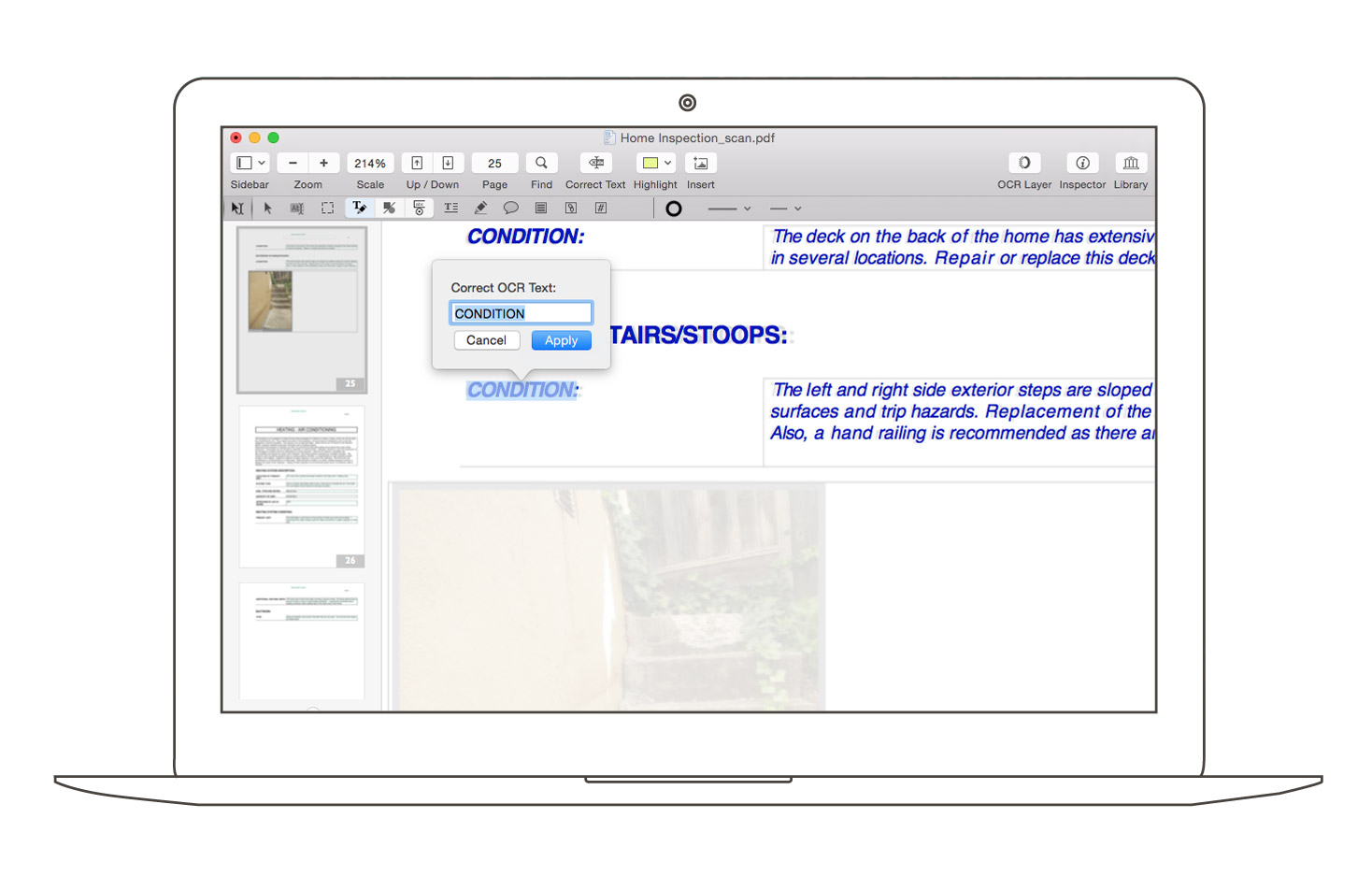
Scan & OCR — Preview Text
- Perform OCR (Optical Character Recognition) on scanned documents
- Edit OCR text from your scanned pages (new!)
- Scan directly from Image Capture or TWAIN scanners
- Adjust resolution, color depth and contrast, skew, and size of an image or scanned document
- Context-sensitive popup-menus enable quick edits
- Automate PDF manipulations with AppleScript and JavaScript Automation
-
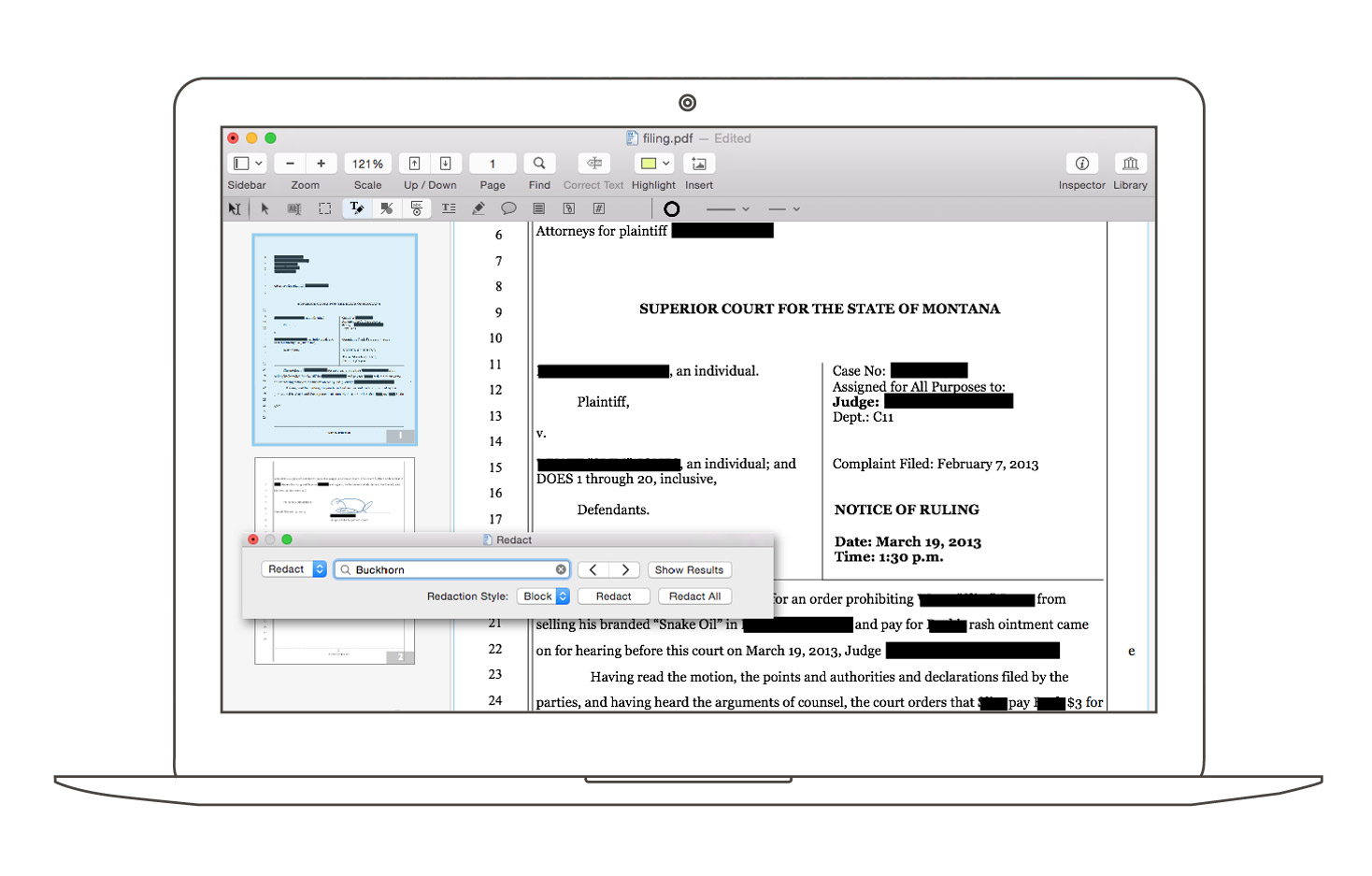
Redact Personal Information
- Redact or erase text, including OCR text
- Password protect a document with up to 256-bit AES encryption
- Edit document permissions to restrict saving, printing, copying, etc.
- Full screen mode, as well as zoom to document width and zoom to actual document size
- Print notes and comments with or without the original text
- Print a list of all annotations along with the document
- Add (and print) notes and comments
-
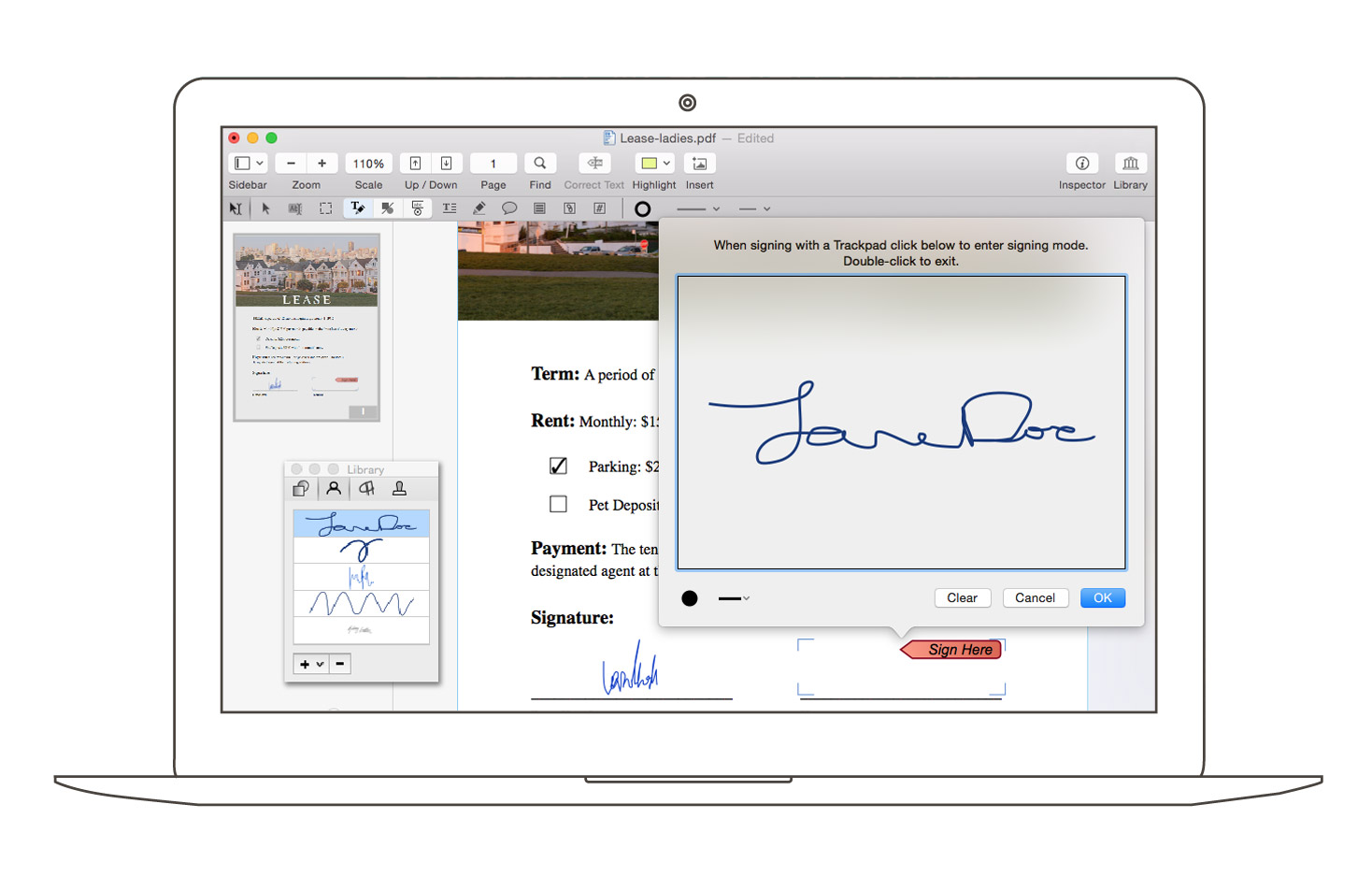
Sign & Fill Forms
- Sign PDF forms via interactive signature fields (not digital signatures)
- Fill out interactive PDF forms and sign them
- Apply business-related and sign here stamps via the Library
- Save frequently-used images, signatures, objects and text in the Library
- Sync Library items with PDFpen for iPad & iPhone via iCloud (Mac App Store version only)
- Use iCloud (Mac App Store version only), iCloud Drive or Dropbox for seamless editing with PDFpen for iPad & iPhone
- Save PDFs directly to Evernote
-

Auto-generate Fillable Form Fields
- Convert websites to multi-page PDFs, complete with hyperlinks
- Create and edit cross-platform fillable PDF forms
- Export PDFs to Microsoft® Word (.doc, .docx), Microsoft® Excel (.xlsx, .xls), Microsoft® PowerPoint (.pptx), and PDF Archive (PDF/A) formats (requires Internet connection as a registered user) (new!)
- Create form fields automatically in a non-interactive form
- Create and edit document Table of Contents
